
What happened
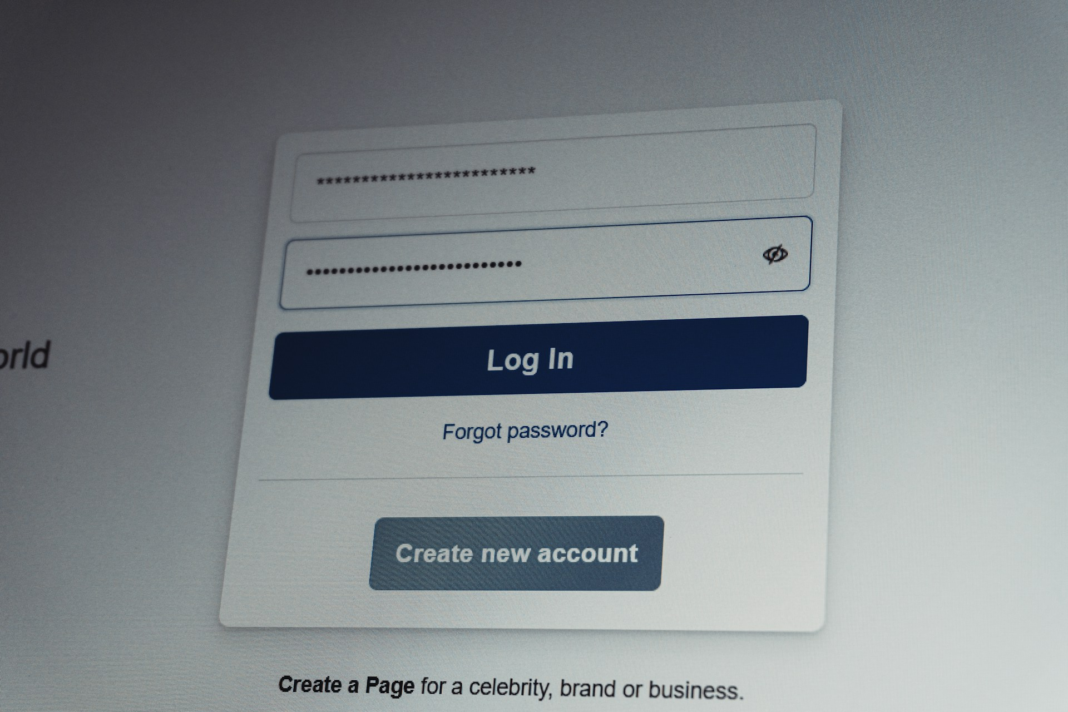
A phishing campaign targeting LastPass users uses fake support email threads designed to appear like legitimate customer support conversations in order to steal vault master passwords. The emails impersonate LastPass staff and claim that someone has requested account actions such as exporting vault data, performing account recovery, or registering a new trusted device, creating urgency for the recipient to intervene. Victims who click the provided links are redirected to phishing pages that mimic LastPass login portals and prompt users to enter their credentials, allowing attackers to capture master passwords and gain access to stored vault data. The emails rely on display-name spoofing and misleading subject lines to make the messages appear authentic and part of an ongoing support discussion.
Who is affected
Users of LastPass who receive and interact with the phishing emails are affected, as attackers attempt to harvest vault master passwords that provide access to stored credentials and other sensitive account data.
Why CISOs should care
The campaign highlights how attackers use sophisticated email impersonation and social-engineering techniques to obtain master passwords, which can grant full access to password manager vaults containing credentials for enterprise systems and personal accounts.
3 practical actions
- Verify support communications before responding. Confirm that any request from LastPass support originates from official domains.
- Block known phishing domains and URLs. Prevent access to fraudulent pages impersonating LastPass login portals.
- Educate users on password manager phishing risks. Remind employees that legitimate services will not request master passwords through email.

John Kevin Hao is a news and feature writer covering cybersecurity, technology, and business targeted for professional audiences.