
What happened
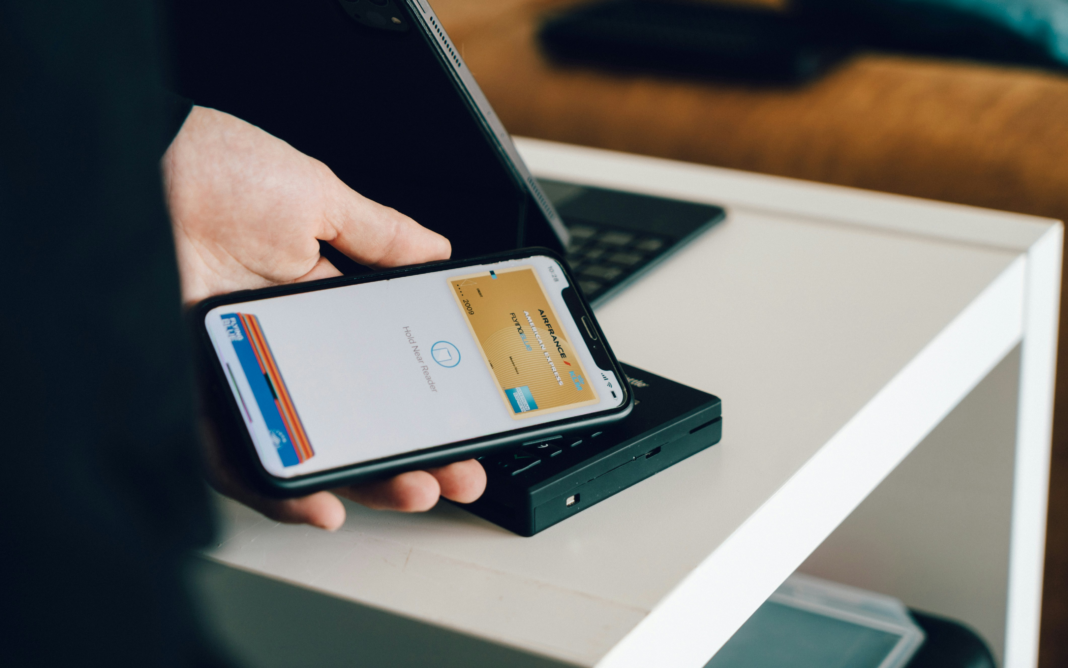
A phishing attack targeting Apple Pay users is actively circulating, using deceptive verification pages to harvest credentials and payment information. According to the report, recipients receive unsolicited messages claiming there is an issue with their Apple Pay setup or a recent transaction, urging them to verify their account by clicking a provided link. The link directs victims to a fraudulent website designed to resemble a legitimate Apple authentication portal, where users are prompted to enter Apple ID credentials, credit card details, and other sensitive information. Because the phishing pages mimic authentic Apple Pay branding and messaging, some users may be more likely to trust and interact with the content. Once entered, the harvested credentials and payment data are captured by the attackers’ infrastructure for further misuse.
Who is affected
Users of Apple Pay and Apple ID accounts who receive and interact with these phishing messages are affected; submitting credentials or payment data on the fake pages can result in unauthorized access and financial misuse.
Why CISOs should care
Phishing attacks that convincingly impersonate trusted financial services like Apple Pay continue to be a primary vector for credential theft and financial fraud, increasing risk to identity and payment security in enterprise and consumer environments.
3 practical actions
- Update email and SMS filters. Adjust email and SMS threat filtering to detect and block phishing messages referencing Apple Pay.
- Educate users on phishing. Remind individuals not to enter credentials on links received via unsolicited communications.
- Monitor authentication attempts. Watch for unusual Apple ID or payment service logins that follow phishing campaigns.